Student resources
Use your campus printing allowance carefully
Check the final file, print settings and your balance before sending a long job.
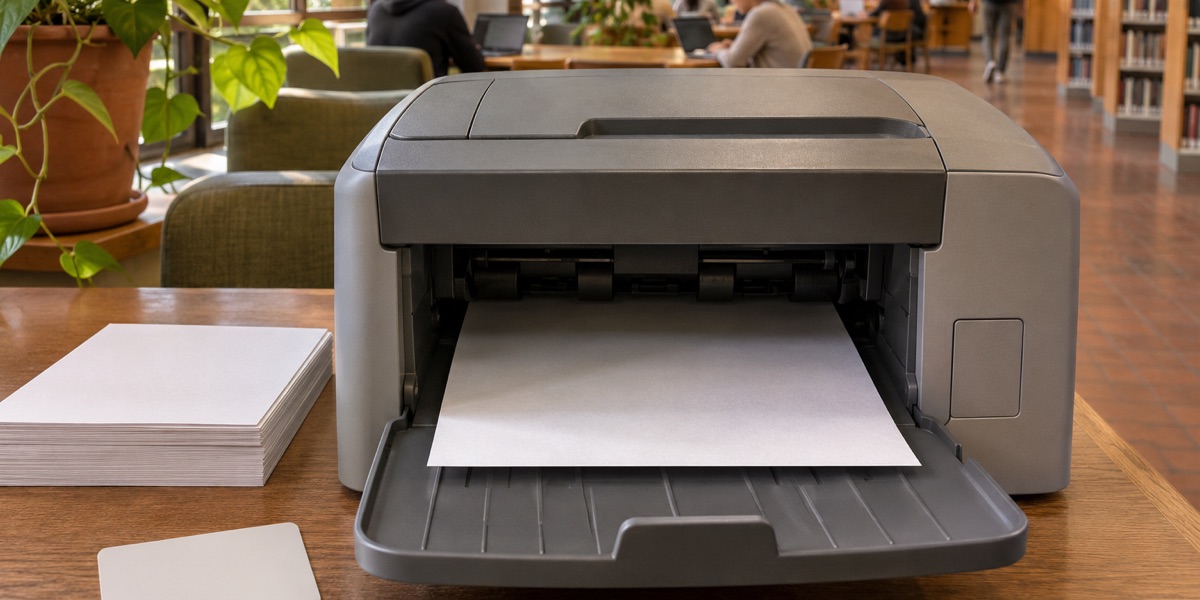
Before I send a long document to a campus printer, I check how many pages are actually needed. It takes a moment and gives me time to catch the most common surprises.
Open the final PDF
Check that the pages are in order and the margins look right. If a reading includes cover sheets or blank pages, select only the pages you need to take to class. Ask about print requirements before printing a formal submission.
Review the settings
Check black and white, paper size and whether double-sided printing is suitable. Look at the estimated cost or balance when your campus printer shows it. Send one page first when a chart or detail could be hard to read.
Collect and check the result
Stay near the printer and make sure the full job came through before leaving. If a page is missing, send only the range you need. I save the PDF with a name that will still make sense when I find it again.
— Nona · Nona on X